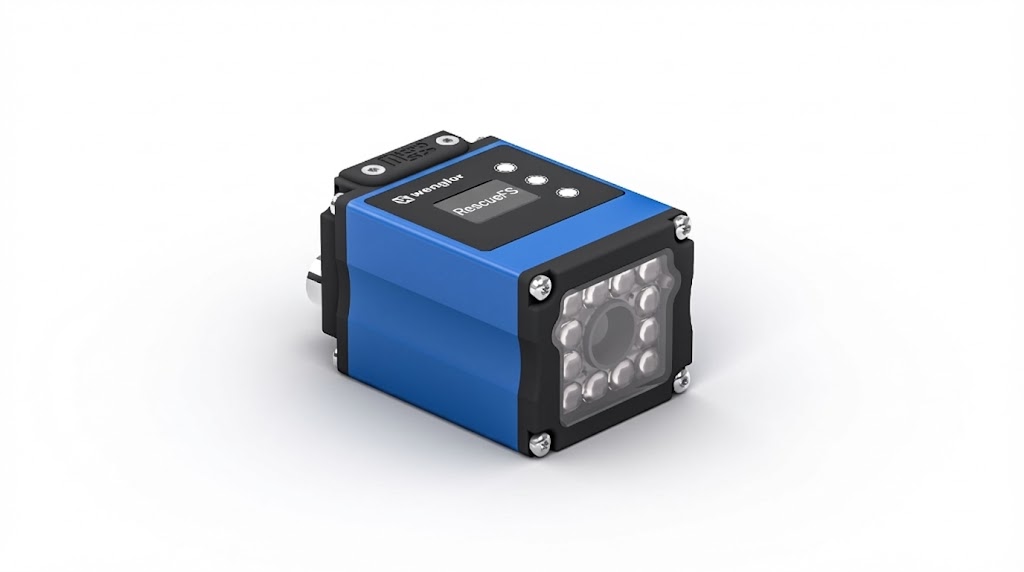
Sometimes it can happen that a weQube+ camera (B50S, B50R, B50M, C50C) does not start up as usual when it is switched on and RescueFS appears on the display instead. In this mode, the camera remains blocked and does not start, which temporarily interrupts the use of the device.
Fix RescueFS on the weQube
The problem can be solved by a specific firmware update via the SD card:
- Disconnect the power: Turn off the camera and remove the power.
- Remove SD card: Remove the SD card from the camera.
- Prepare firmware: Copy the provided firmware version 1.4.6 to the root directory of the SD card.
- Reinsert the SD card: Put the SD card back into the camera and reconnect it to power.
- Wait for firmware installation: The installation is automatic and takes about 5 minutes.
- Start camera: After completion, the camera will start up normally again.
- Optional firmware update: You can then update the firmware to the previous or current version.
With this procedure, your weQube+ is quickly ready for use again and you avoid longer downtimes. You benefit from a simple, safe method of overcoming RescueFS mode and using your devices reliably.